

Like Reply Accelerator
Campaign Cloning: Agentic Campaign Building for Oracle Eloqua
Stop rebuilding campaigns from scratch. Like Reply’s agentic Campaign Cloning solution turns standardized blueprints into new, fully configured Eloqua campaigns – automatically, consistently, and at scale.
One Blueprint. Any Number of Campaigns.
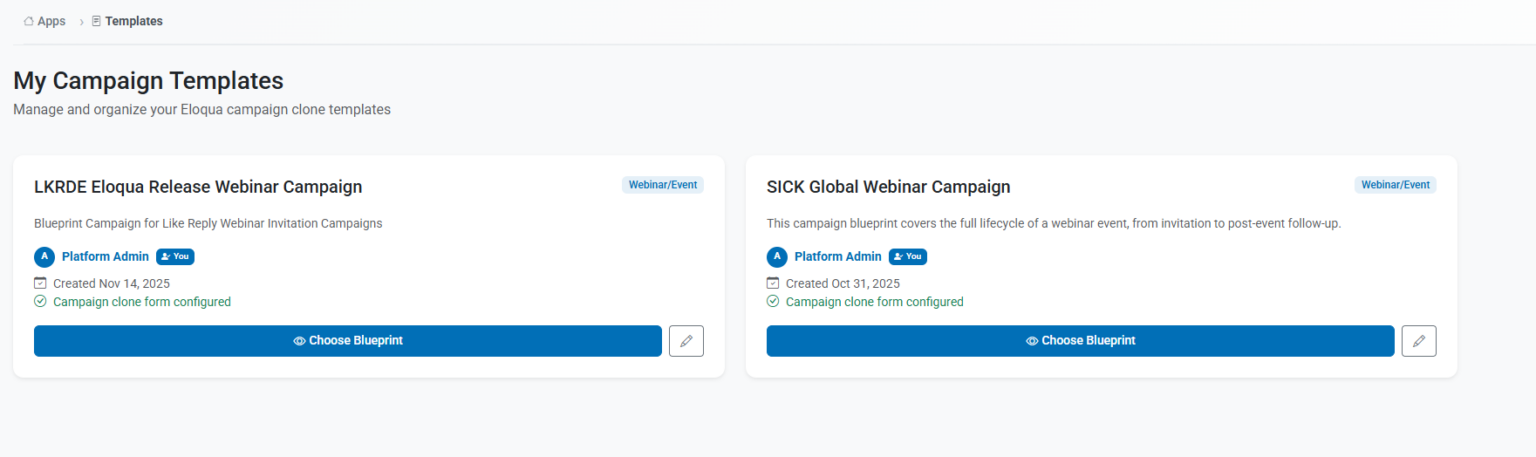
Campaign Cloning is a Like Reply-built agent based accelerator that automates the creation of Oracle Eloqua campaigns from predefined blueprint templates. Instead of manually building and configuring assets for every new campaign, marketing teams submit a short briefing form – and a set of agents handles the rest: cloning campaign canvases, emails, landing pages, and forms, populating them with campaign-specific information, and delivering a ready-to-review campaign with zero manual assembly.
Blueprint-based
Full campaign journeys – canvas, emails, forms, landing pages – templatized and reusable
Fully Automated
The agents orchestrated via a workflow clone and configure all assets from a single briefing form submission
Integration-ready
Extends beyond Eloqua – connects to Webinar, MRM or CRM tools, and potentially any other API-ready tools in your stack
Campaign Cloning in short
Building campaigns in Oracle Eloqua is a powerful but time-intensive process. Every campaign – regardless of how similar it is to the last – requires the same manual steps: creating assets, wiring them together, entering copy and URLs, configuring tokens, and testing the full journey before launch. For marketing teams managing high campaign volumes across multiple regions or product lines, this represents a significant and recurring operational cost.
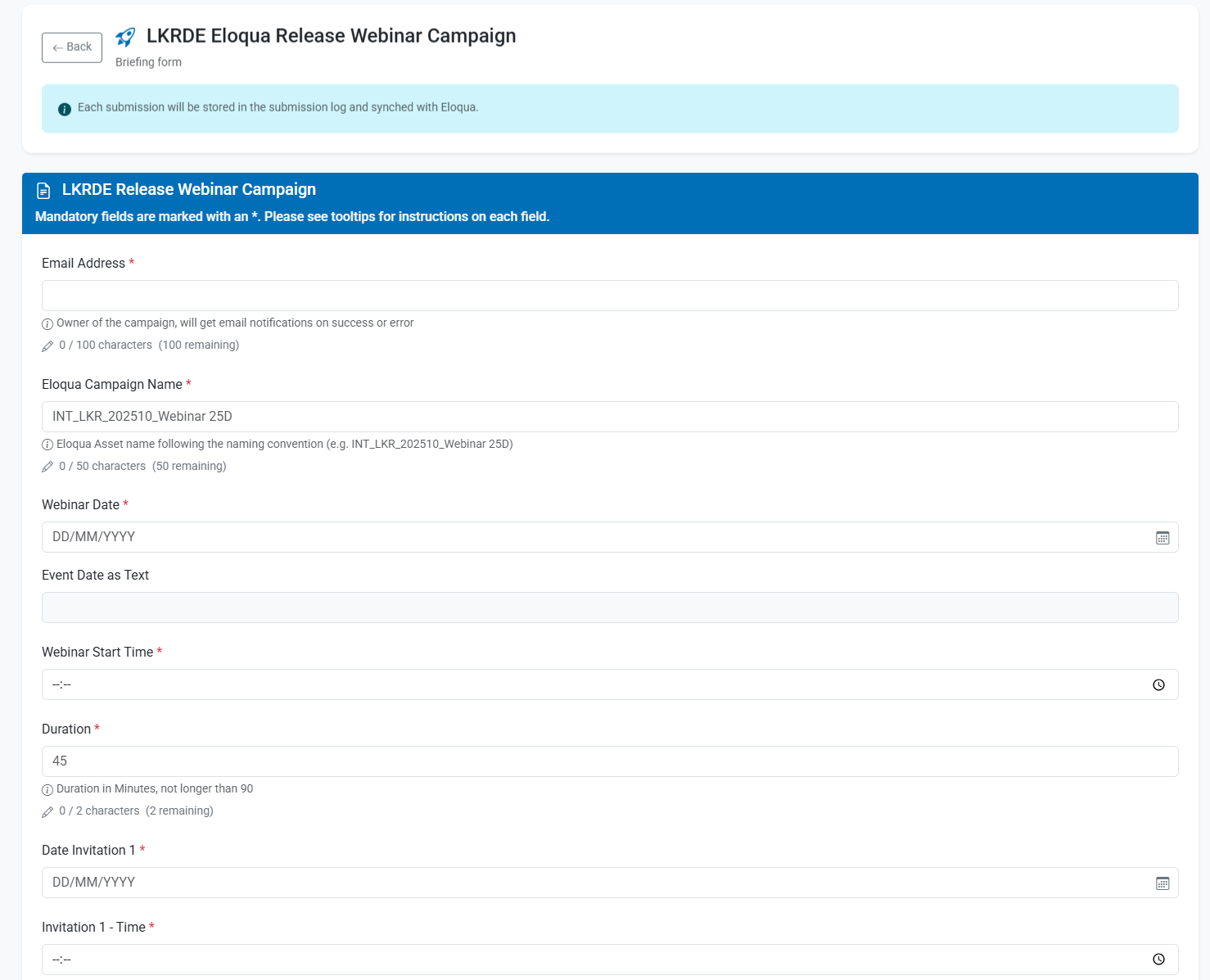
Agentic Campaign Cloning addresses this directly. Rather than recreating campaigns from scratch each time, teams define a standardized blueprint once – the ideal campaign structure for a given type of campaign – and then let the agents re-create it on demand. Variable elements such as dates, topics, links, and copy are fed in through a simple briefing interface. The agents handle the rest: cloning assets, applying variables, linking components, and flagging the campaign for final review.
The result is a shift from execution-heavy manual work to governance-light campaign management – where standards are enforced by design, not by checklist.
Campaign Cloning as Part of a Connected Marketing Stack
Campaign Cloning does not operate in isolation. Like Reply built the automation to extend beyond Eloqua – integrating for example with campaign planning tools like Marmind (where briefings can be triggered directly from the planning workspace), webinar tools like WebEx to generate meetings directly, creating ICS files for events or doing updates on internal tools like Sharepoint . Pretty much any tool that can be accessed via a programatice interface (API) can be included in the workflow.
Why Agentic Campaign Building?
How Campaign Cloning Works
Three phases. One form. A fully configured campaign ready for review.
Step I: Define Your Blueprint
Work with Like Reply to design the canonical version of your campaign: the ideal asset structure, journey logic, and variable map. Blueprints cover the full campaign canvas, all connected emails, landing pages, and forms. Variable elements are explicitly mapped – from subject lines and event dates to image URLs and CTAs. This is done once per campaign type.
Step II: Submit Your Briefing
When a new campaign is needed, a marketing user opens the Like Reply MAI Studio – a web portal hosted by Like Reply and fills in the campaign-specific inputs. No Eloqua access is required. Upon submission, the agentic workflow is triggered automatically, the variables are stored, and a unique submission ID is generated for tracking.
Step III: Review, Finalize & Launch
Once the automation completes, the user receives a confirmation along with a checklist of final steps to complete. The campaign is ready for a final review and any last-mile editorial adjustments before activation. If anything goes wrong during cloning, a built-in rollback mechanism automatically removes all created assets – keeping your Eloqua environment clean and governed at all times.
Built for Marketing Teams That Move Fast
Campaign Cloning addresses operational pain points across the full spectrum of stakeholders – from the campaign manager to the CMO.
Less Manual Work
Repetitive setup tasks – asset creation, variable configuration, journey wiring – are handled automatically. Marketing teams can focus on strategy, content quality, and performance rather than Eloqua configuration.
Consistent Standards by Default
Blueprints encode your best practices into the campaign structure itself. Every campaign cloned from a blueprint is structurally consistent – reducing errors, ensuring brand alignment, and making cross-campaign performance analysis more reliable.
Faster Time to Campaign
From briefing submission to a fully assembled campaign in Eloqua – in minutes, not hours or days. Particularly impactful for high-frequency or globally distributed campaigns where setup velocity is a competitive advantage.
Safe to Scale
Built-in rollback capabilities ensure that incorrect executions never leave orphaned assets behind. A centralized creation log provides full visibility into what was cloned, when, and by whom – meeting governance and compliance expectations even at scale.
Where It Delivers the Most Impact
Campaign Cloning is most effective for campaign types that are structurally repetitive but content-variable – where the journey logic remains constant, but the specifics change with each execution.
Event & Webinar Campaigns
Global-to-Local Campaigns
Gated Content & Lead Gen Programs
Recurring Nurture & Lifecycle Journeys
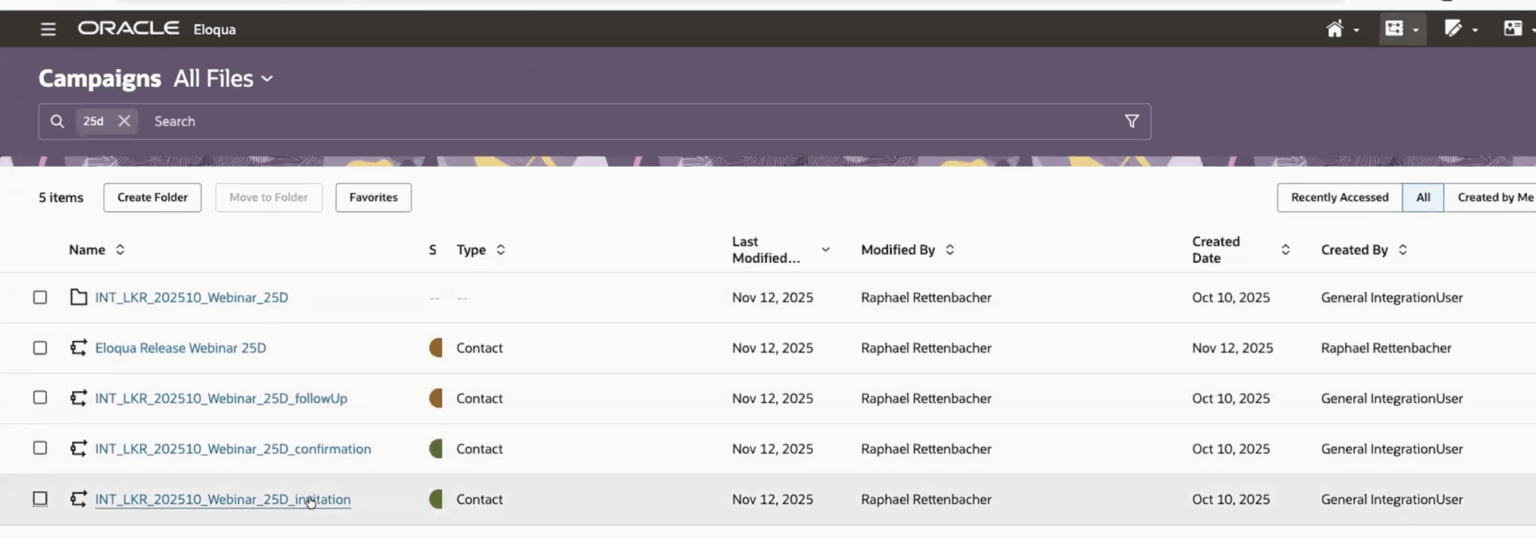
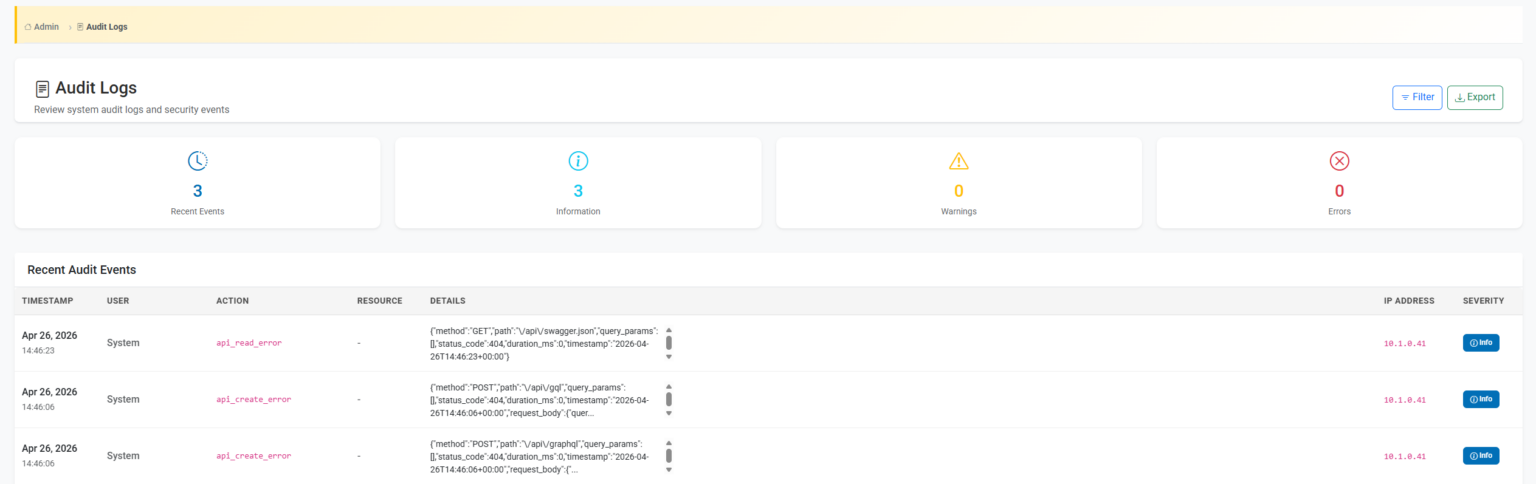
Sneak Peek into Campaign Cloning
Let’s transform your digital landscape together
Fill out this form and we will get back to you with the next steps to get the app enabled for you.